

 Collaboration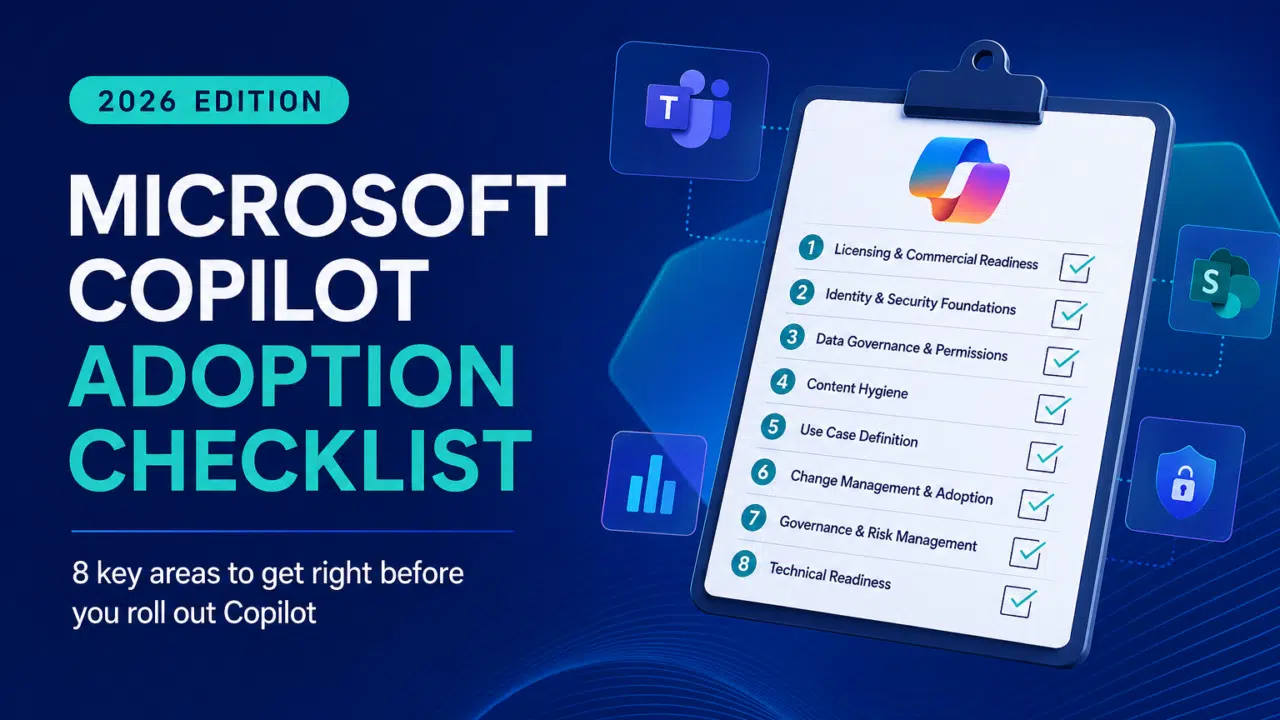

Everyone’s talking about Microsoft Copilot. Few are actually ready for it.
Some organizations are already seeing genuine productivity gains. Others? They’ve paid for licenses, run a few demos… and quietly gone back to business as usual.
The difference isn’t the technology. It’s the groundwork.
If you’re serious about getting value from Copilot—and not just ticking a “we’re using AI” box—this checklist will help you cut through the noise and focus on what actually matters.
Why Most Copilot Projects Stall
Let’s address the elephant in the room.
Copilot isn’t a magic switch you flip. It’s a layer that sits on top of your existing Microsoft 365 environment—meaning it amplifies whatever state your setup is already in.
- Messy data? Copilot surfaces it faster.
- Poor permissions? Copilot exposes them.
- No governance? Copilot scales the chaos.
That’s why adoption fails. Not because Copilot doesn’t work—but because organizations aren’t ready for it.
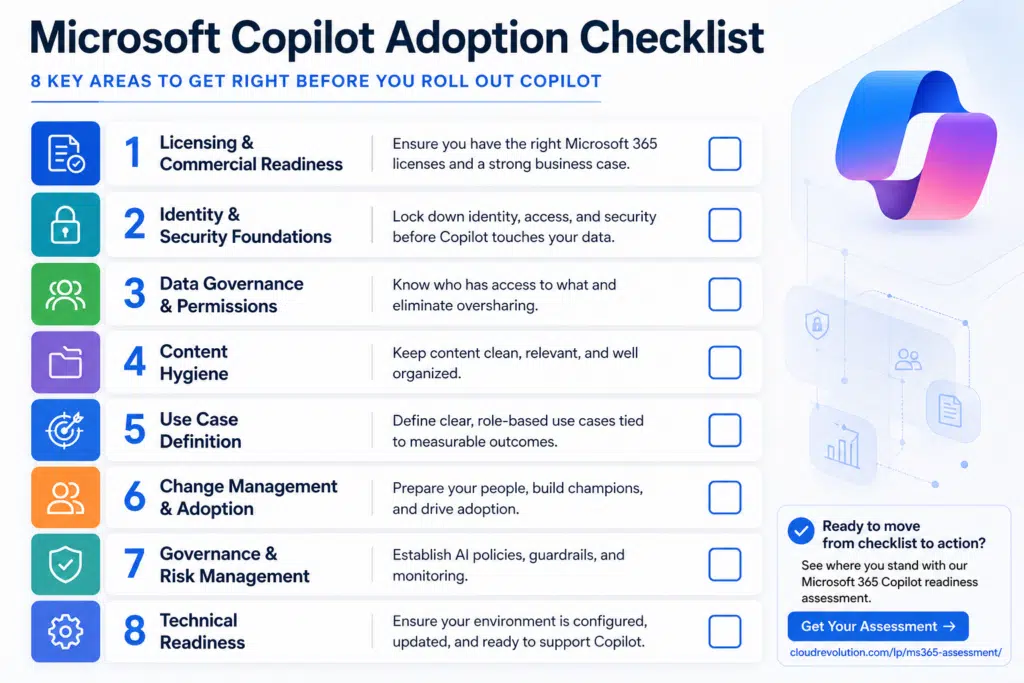
The Microsoft Copilot Adoption Checklist
Use this as your baseline. If you can confidently check every box, you’re in a strong position to move forward.
1. Licensing & Commercial Readiness
Before anything else, get the fundamentals right.
- Do you have the correct Microsoft 365 base licenses (E3/E5/Business Premium)?
- Have you scoped which users actually need Copilot licenses?
- Have you built a business case tied to measurable outcomes (not just “AI is the future”)?
Reality check: Not everyone needs Copilot on day one. Start with high-impact roles.
2. Identity & Security Foundations
Copilot runs on your data. That means identity and access control are non-negotiable.
- Is Multi-Factor Authentication enforced across all users?
- Are Conditional Access policies in place and reviewed?
- Have you reduced legacy authentication risks?
- Are privileged roles tightly controlled?
If this isn’t solid, stop here. Fix this first.
3. Data Governance & Permissions
This is where most organizations fall down.
Copilot respects existing permissions—but that’s only helpful if your permissions are correct.
- Do you know who has access to what across SharePoint, Teams, and OneDrive?
- Have you cleaned up oversharing (e.g., “Everyone” access)?
- Are sensitivity labels and data classification in place?
- Do you have a retention policy aligned to business needs?
Hard truth: If your data is a mess, Copilot will make that very obvious.
4. Content Hygiene
Copilot is only as useful as the content it can access.
- Are documents structured, named, and stored properly?
- Is outdated or duplicate content being managed?
- Are Teams and SharePoint sites actively governed?
Think of this as “feeding the AI.” Better inputs = better outputs.
5. Use Case Definition
This is where you move from theory to value.
- Have you defined clear, role-based use cases? (e.g., sales, HR, finance)
- Are those use cases tied to measurable outcomes (time saved, quality improved)?
- Have you prioritized quick wins?
Avoid vague goals like “improve productivity.” Be specific.
6. Change Management & Adoption
Copilot doesn’t fail because of tech. It fails because people don’t use it properly.
- Have you identified champions across the business?
- Is there a structured training plan (not just a one-off session)?
- Are you setting expectations on what Copilot can and can’t do?
- Do users understand prompting basics?
Key point: Copilot is a skill, not just a tool.
7. Governance & Risk Management
AI introduces new risks—don’t ignore them.
- Do you have an AI usage policy in place?
- Are there guidelines for responsible use of Copilot outputs?
- Are you monitoring usage and activity?
- Do you have a feedback loop for continuous improvement?
Governance shouldn’t block adoption—but it should guide it.
8. Technical Readiness
Finally, make sure your environment can actually support Copilot.
- Are desktop apps updated to the latest versions?
- Is your tenant configured correctly for Copilot features?
- Are network and performance considerations accounted for?
- Have you run pilot testing with real users?
The Shortcut Most Organizations Miss
You can work through all of this internally.
But here’s the reality: most teams don’t have the time, visibility, or cross-functional alignment to do it properly.
That’s why structured assessments exist—to give you a clear, unbiased view of where you are and what to do next.
Ready to See Where You Stand?
If you want a fast, practical way to benchmark your readiness (without weeks of internal back-and-forth), we’ve put together a dedicated Microsoft 365 Copilot readiness assessment.
? https://www.cloudrevolution.com/lp/ms365-assessment/
It’ll help you:
- Identify gaps across security, governance, and data
- Prioritize the actions that actually matter
- Build a roadmap that delivers real value—not just licenses
Final Thought
Copilot isn’t the transformation.
It’s the accelerator.
If your foundations are solid, it will unlock serious gains. If they’re not, it will expose every weakness in your environment—quickly.
So before you roll it out at scale, ask yourself one question:
Are we actually ready for this?
If you’re not sure, that’s exactly where to start.
You must be logged in to post a comment.