

 Thought Leadership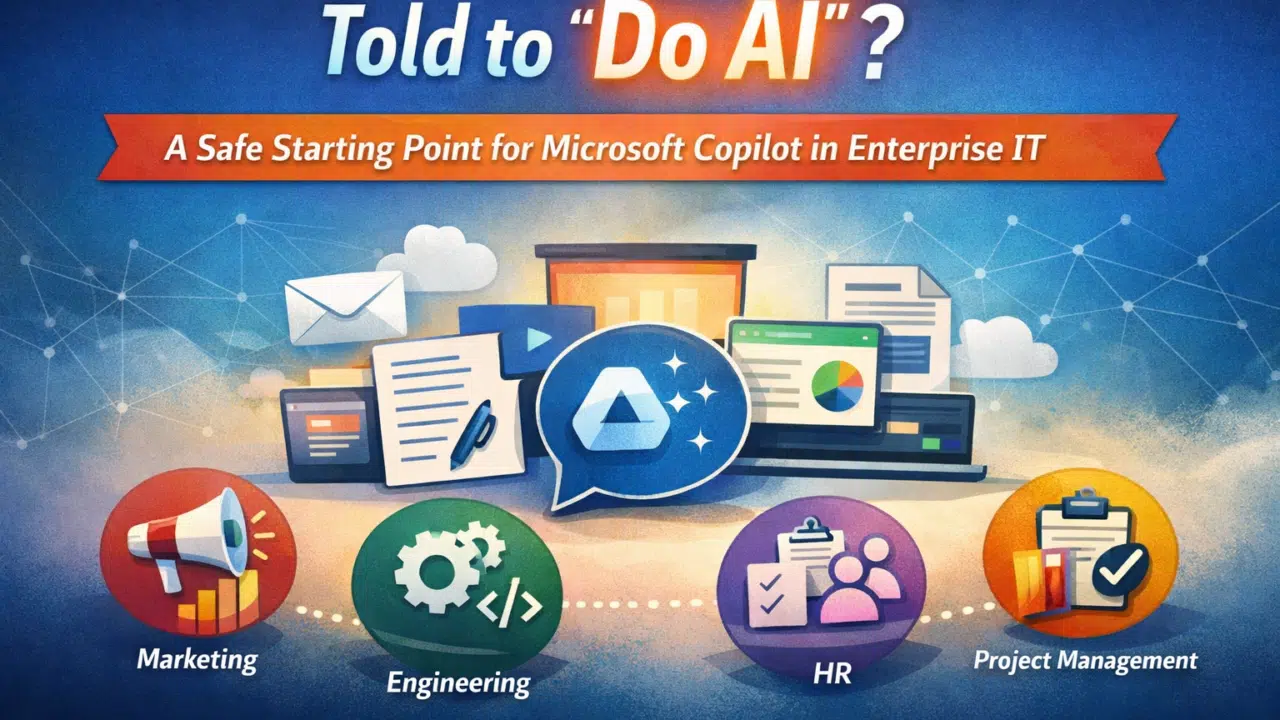

Across many organizations today, a familiar message is landing in inboxes and leadership meetings:
“We need to start using AI.”
Sometimes it comes as:
- “What’s our AI strategy?”
- “Can we roll out Microsoft Copilot?”
- “How are we improving productivity with AI?”
And often, this task lands squarely on department heads — heads of marketing, HR, engineering, operations, or project management — rather than technical specialists.
If that’s you, take a deep breath.
You don’t need a PhD in AI to get started. Microsoft Copilot is designed to work inside the tools you already use every day (Word, Excel, Teams, Outlook, PowerPoint, etc.) and help your teams get more done, faster.
In fact, I wrote that it’s in these apps where Copilot helps the most for a “regular business user” in the State of Microsoft 365 Copilot Report. Sure, you can do all sorts and get mega complex.
The real question is: where do you start?
Step 1: Identify Your Workflow Friction
The first step isn’t about AI technology or fancy prompts. It’s about finding the points where work slows down.
Every department has friction:
- Marketing: Writing campaign copy, creating presentations, summarizing research
- HR: Drafting policies, summarizing interview notes, onboarding documentation
- Engineering: Documenting code, summarizing meetings, writing release notes
- Operations/Project Teams: Updating reports, generating project status summaries, automating routine communications
Pro Tip: Ask your team: “What tasks take the most time each week?” The answers often highlight the best opportunities for Copilot adoption immediately.
Step 2: Persona-Specific Copilot Opportunities
Here’s how Copilot can help real department heads today:
Marketing: Turn Ideas Into Content Faster
Marketing teams live in content creation and communication. Copilot can:
- Draft first versions of blogs, emails, and social posts
- Summarize research or competitor analysis
- Convert Word documents into PowerPoint decks
- Analyse campaign data in Excel
The result? Less time spent on repetitive tasks, more time on creative strategy. Your teams get back time to focus on human work and flex their creative muscles.
HR: Automate the Paperwork, Focus on People
HR departments juggle policy documents, onboarding guides, and interview notes. Copilot can help:
- Draft job descriptions and internal policies
- Summarize interviews and training materials
- Analyse employee surveys
This frees HR teams to focus on strategic initiatives, not admin. There are fewer delays in onboarding and approvals.
Engineering: Reduce Documentation Debt
When you’re building something on a deadline, the last thing you need is to constantly review and revise documentation. In this case, Copilot can:
- Summarize Teams meetings and action items
- Generate knowledge base articles
- Convert technical notes into clear, shareable documents
Better documentation means better collaboration without slowing down delivery or pulling away valuable resources needed to get the project over the line.
Operations & Project Teams: Streamline Reporting
Operations teams can easily succumb to a flood of status reports, spreadsheets, and emails. Instead of getting bogged down in figures and paperwork, Copilot can:
- Summarize project updates from Teams or Outlook
- Draft reports from raw data
- Automate repetitive communications
At this stage, it’s important to understand the role of AI. While it can do many things (and many of those things at once), Copilot is not replacing your team. Rather, it’s removing the friction so teams can focus on higher-value work.
Step 3: Start Small With a Pilot Group
Big AI rollouts fail fast. If you’ve been tasked with “doing AI” for your team, you have a unique opportunity to set the standard for the rest of the business. However, it pays to stay small — even within your own niche pocket of users.
The key is a small, cross-functional pilot:
- 1–2 people from marketing, HR, engineering, or ops
- An IT admin to ensure access and security
Encourage the pilot group to track:
- Time saved
- Improved productivity
- Unexpected use cases
This real-world feedback guides a safe, measurable Copilot adoption strategy.
Step 4: IT’s Perspective — Governance, Security, and Value
Once department pilots are underway, IT naturally becomes involved:
- Ensuring security and compliance
- Managing permissions and data access
- Optimising Microsoft licensing costs
These are vital for not only your initial adoption and security, but to gauge and optimize the future AI strategy for your business.
Quick note on licensing: Many businesses already have Microsoft E5 licences, which include advanced security, compliance, and analytics features that Copilot can leverage.
By starting with existing licenses, you amplify the value of your Microsoft ecosystem instead of introducing a new tool in isolation. This may be out of your immediate remit but definitely check with your IT team to see what’s already being paid for.
Learn more: Microsoft E5 Licensing: Where Enterprises Lose Value — and How to Fix It Safely
Step 5: Clean Data Before Scaling
Copilot relies on your existing organizational data. Messy SharePoint libraries, inconsistent file structures, or overly permissive access can create inaccurate outputs. This is another step where you may need to buy your IT buddies a coffee or three.
Before scaling Copilot (even throughout your solo department), ensure the following:
- Organize SharePoint content
- Review file permissions and governance policies
- Ensure sensitive data is protected
Clean data ensures reliable, trustworthy AI outputs. Otherwise, we’re looking at garbage in, garbage out.
Step 6: Focus on Workflows, Not Just Prompts
Many teams obsess over prompt wording and getting stuck in Copilot Chat. This is a great (and free) place to start but is restrictive when it comes to your AI potential.
While prompts matter, the bigger wins come from embedding Copilot in workflows:
- Summarize Teams meetings automatically
- Turn raw notes into actionable tasks
- Draft follow-up emails or project updates
This transforms Copilot from a novelty chat tool to a productivity engine integrated into everyday work.
Step 7: Treat AI Adoption Like a Program, Not a Project
Rolling out Copilot licenses is easy. Driving adoption takes effort.
Your users will need the following to succeed with any AI:
- Practical, hands-on training
- Examples of real use cases
- Time to experiment
- Clear guardrails
Remember: AI adoption is ongoing. Treat it like a continuous improvement program, not a one-off project.
Final Thoughts: Start Simple, Scale Smart
If you’ve been told to “do AI,” it can feel overwhelming. But Microsoft Copilot doesn’t require a radical overhaul to start delivering value.
The safest approach:
- Identify workflow friction points
- Pilot Copilot with a small group
- Ensure IT and data governance are ready
- Scale gradually with measurable outcomes
By starting small, focusing on real workflows, and leveraging existing Microsoft investments, AI becomes less about hype and more about getting work done faster, smarter, and with less friction.
But we get it. It’s hard when you’re also supposed to be “doing your job” at the same time as finding this new AI superpower. In fact, Shetland Islands Council said exactly this:

If you need help planning your first steps into the world of AI and Copilot, we offer a free Copilot Discovery Briefing.
You get:
- An executive overview of Microsoft Copilot and AI agents
- Use case exploration tailored to your industry
- AI readiness conversation and next steps
There’s no commitment and we promise there’s no hard sell. It’s not in our nature. We’re Microsoft people first, a sales operation second.
This briefing is best recommended for department heads and decision makers exploring Copilot for the first time.
Sounds like what you need?
Inquire about your free discovery briefing here.
You must be logged in to post a comment.